855.686.4649 ext.707


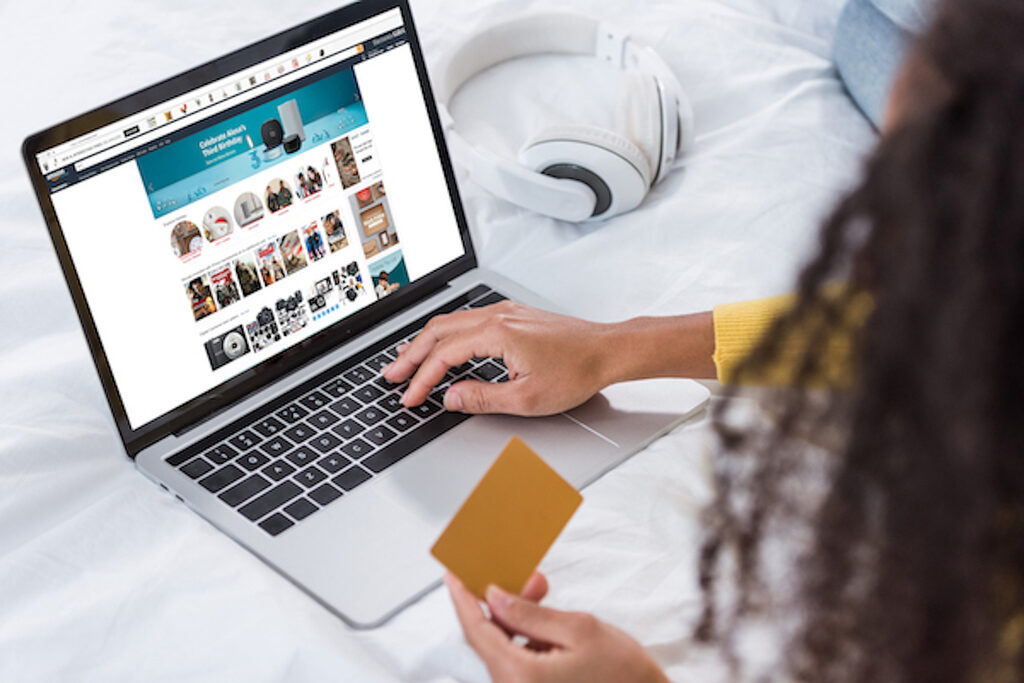
Many types of online businesses face a competitive landscape in 2024, which is why fostering long-term relationships with customers is paramount for sustainable success. While acquiring new customers is important, retaining existing ones and securing repeat business can significantly boost profitability and brand loyalty. This is where effective customer relationship management (CRM) strategies come into play.
What is customer relationship management (CRM) and how is it used?
Customer relationship management, more commonly referred to as CRM, encompasses a range of practices aimed at understanding customer’s needs, preferences, and behaviours to tailor interactions and deliver personalized experiences. For those looking to learn more about how to leverage CRM to cultivate enduring relationships and drive repeat business, keep on reading.
Personalize your communication
By utilizing CRM tools to gather data on customer interactions, purchase history, and preferences, your business can use this information to personalize communication channels like emails, messages, or calls. Addressing customers by name and offering tailored recommendations based on their past purchases demonstrates attentiveness and enhances engagement.
Consistent engagement
Regular communication is key to nurturing relationships. Implement CRM systems to schedule follow-ups, send relevant updates, and acknowledge milestones such as birthdays and anniversaries. Consistency in engagement fosters trust and reinforces your commitment to customer satisfaction.
Anticipate needs
Analyze customer data to anticipate their future needs and preferences. By proactively offering relevant products or services before customers even realize they need them, you demonstrate foresight and add value to their experience. This proactive approach builds rapport and encourages repeat purchases. The best part is, this can all be done through email automation, a service that’s part of our expansive email marketing strategy.
Feedback mechanisms
Encourage customers to provide feedback through surveys, reviews, or direct communication channels. CRM platforms can help aggregate and analyze this feedback, enabling you to identify areas for improvement and address concerns promptly. By actively listening to customers and implementing their suggestions, you show that their opinions matter, fostering stronger connections.
Reward loyalty
Implement loyalty programs or rewards schemes to incentivize repeat business. CRM software can track customer loyalty metrics and automate reward systems based on predefined criteria such as purchase frequency or total spending. Recognizing and rewarding loyal customers not only encourages retention but also enhances brand advocacy through positive word-of-mouth.
Adaptability and flexibility
The needs and preferences of customers may evolve over time. Stay agile and adaptable by continually refining your CRM strategies to align with changing customer expectations. Be open to feedback, embrace innovation, and leverage emerging technologies to deliver exceptional experiences that keep customers coming back.
How do you prioritize meaningful relationships with your customers? Drop a comment below to share with our readers.

Alex Wilks has been working as a copywriter and digital marketing strategist since 2018, with added specialties in social media and email marketing. With a Bachelor’s Degree in Journalism and Communication, she is a natural content writer with the ability to connect well with her target audience.